Splunk
Overview
Splunk is one of the leading SIEM solutions in the market. It allows users to collect, analyze, and correlate network and machine logs in real time. It uses SPL (Search Processing Language) to make the search effective.
- forwarder (collect data at endpoints and forward to splunk instance)
- indexer (parse and normalize data into field-value pair
- search head (this is where analyst search/ using SPL splunk processing language)
2. Description
Almost the first thing we want to look into is the Fields pane (like many other SIEM tool). We want to get an idea of the data that are collected. Fields pane are located on the left side.
2.1 Filtering
- Splunk lets us upload your own data files and run searches on them. Just like SQL, you can filter, sort, and analyze the data — but Splunk uses its own query language (SPL)
- Having so many fields displayed can be overwhelming. We can do
| fields to only display the fields we want -
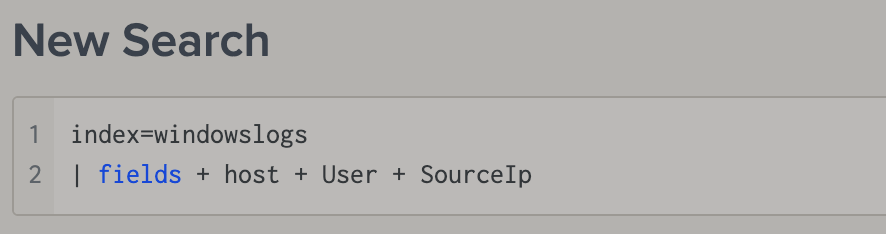
- For searching, simply type it after a space
- Or we can do
| search "Powershell"to search the keyword we want. (but not sure how this is different from directly typing the keyword in the search bar) 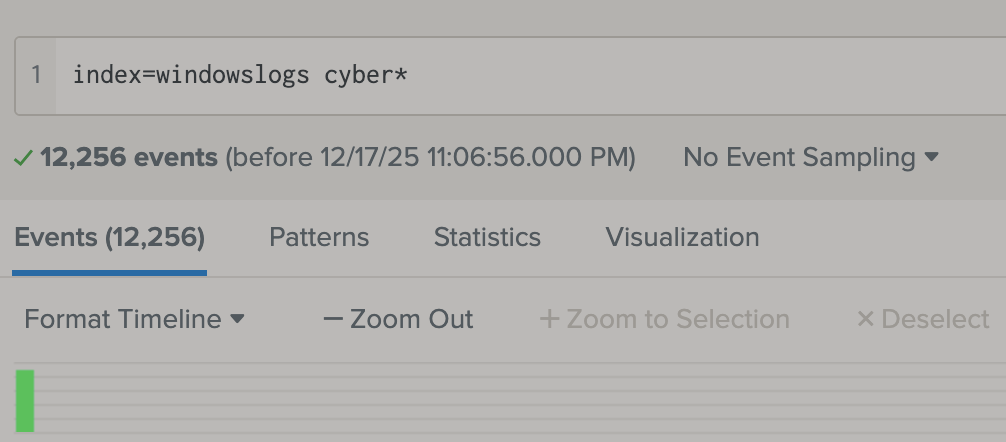
2.2 Structuring
- Similar to linux using
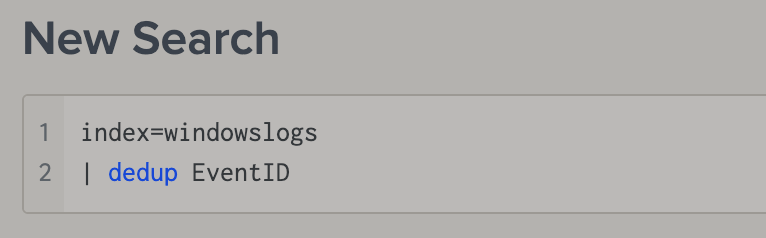
uniqto show only the unique, we can usededuphere to fitler out the duplicate result. -
- Also similar to linux, we can use
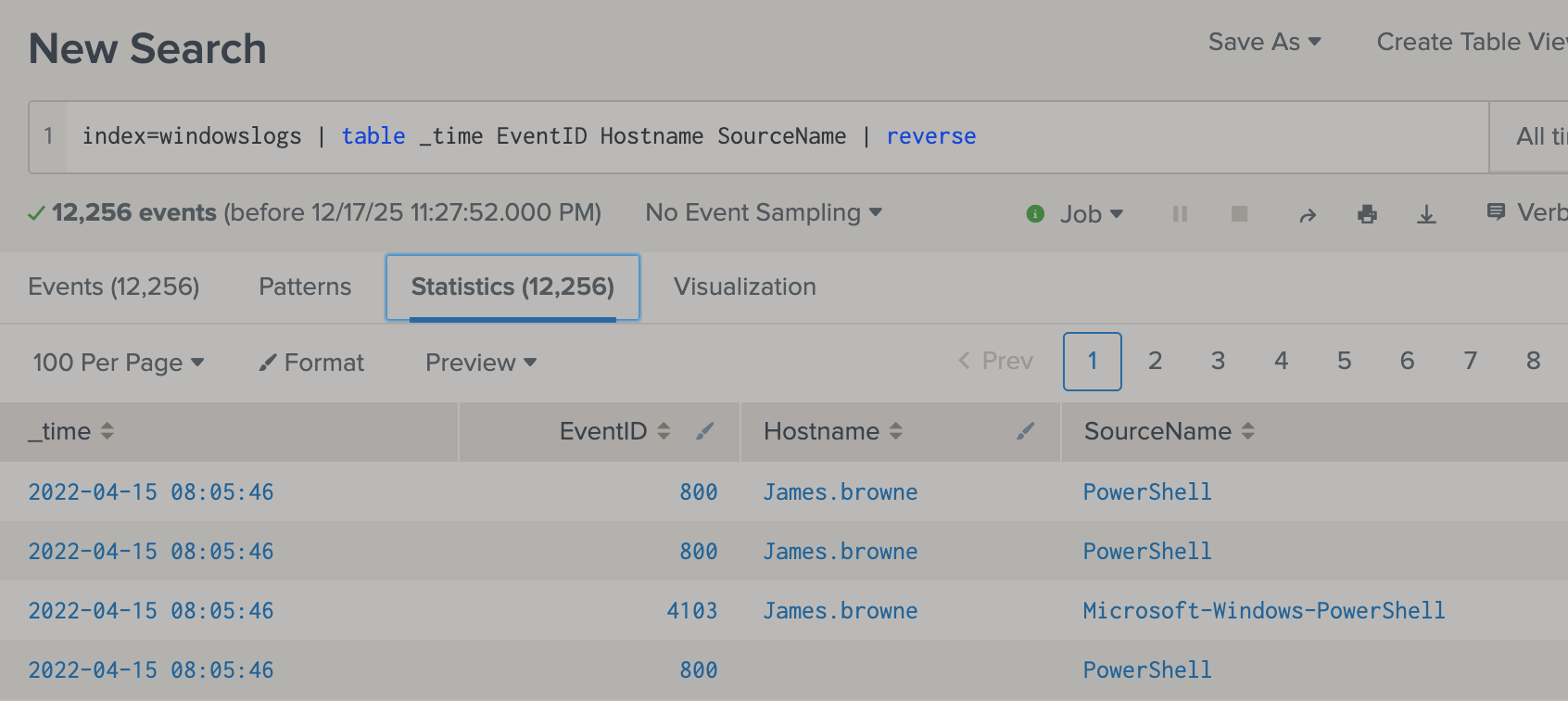
head,tail,sortto organize the result 
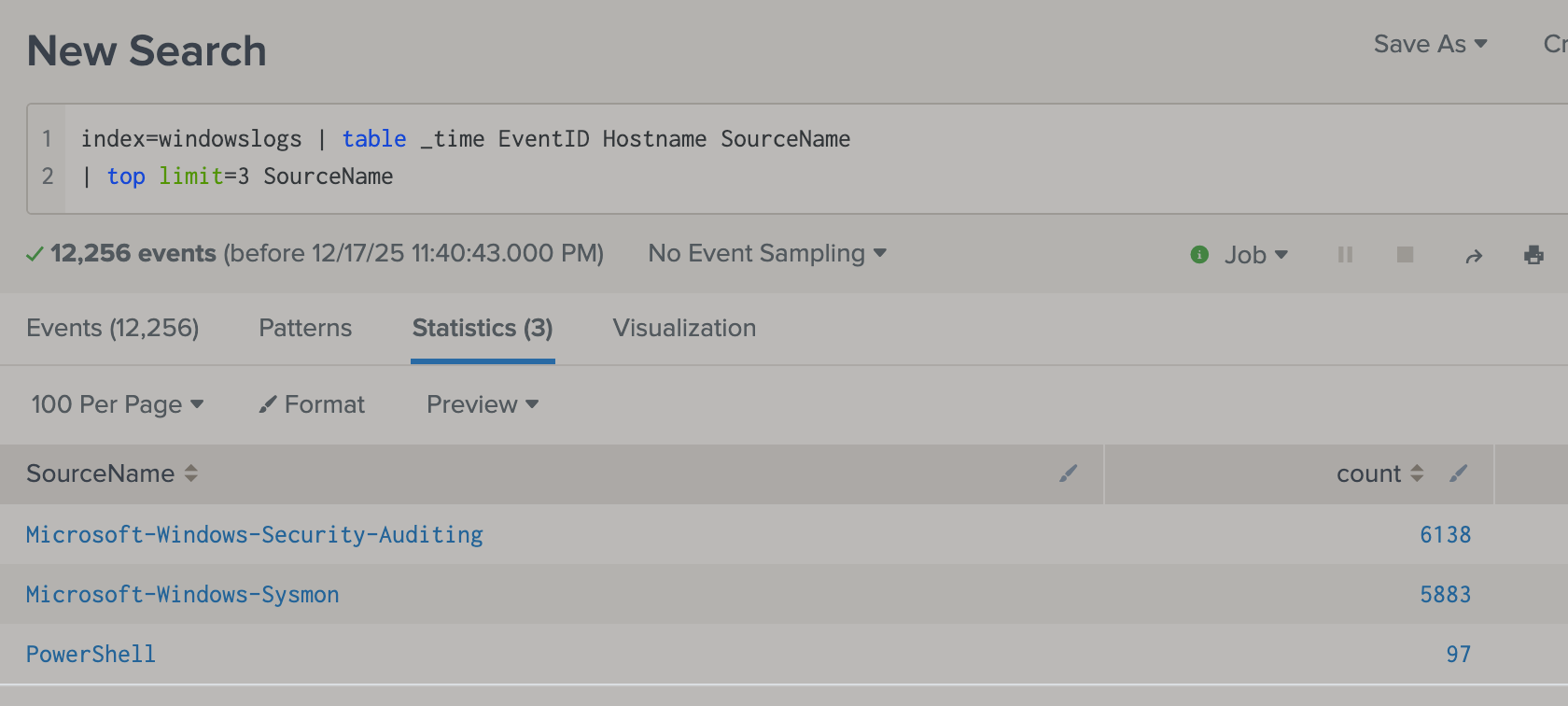
topreturns the top result (also count them)-
- similar to top,
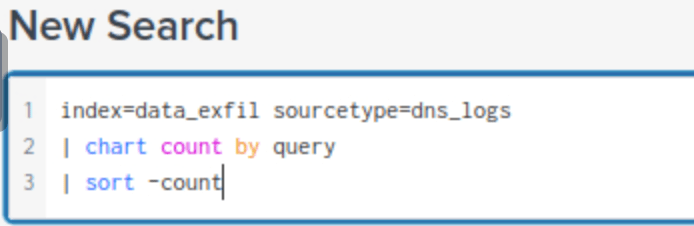
chart count by Fieldalso return the count number (but not in order like top) - We can also rename a field in the search result by using
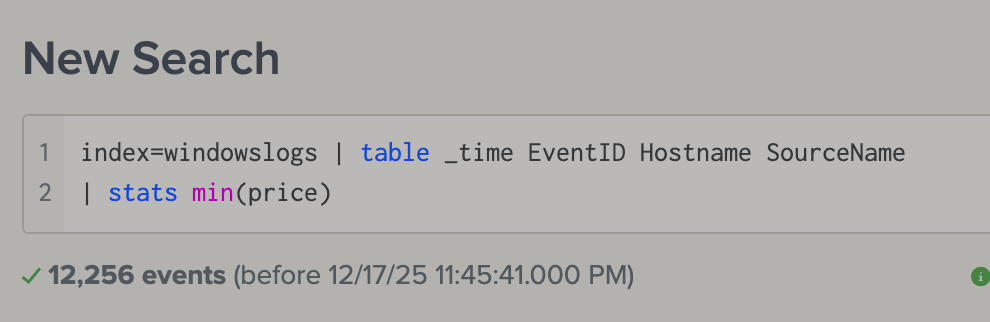
rename A as B tableallows us to only show the reuslt we want. (similar to SQL)-
- If a reuslt is number than we can also use command
statsto return the stats